Table of Contents
Revit Sync to Central Control
An accompanying feature of the Ally system can be enabled in the portal to facilitate more efficient central model sync and save for Revit.
This feature, when enabled, becomes active on any Revit workstation that has Ally installed. It presents a configurable reminder to the user to save the model. When the user clicks the “Sync to Central” button, the application checks a queue for other users waiting to save and enters the current user into the queue.
Configuring Sync to Central Reminders
In the portal, go to Standards –> Settings –> Organization
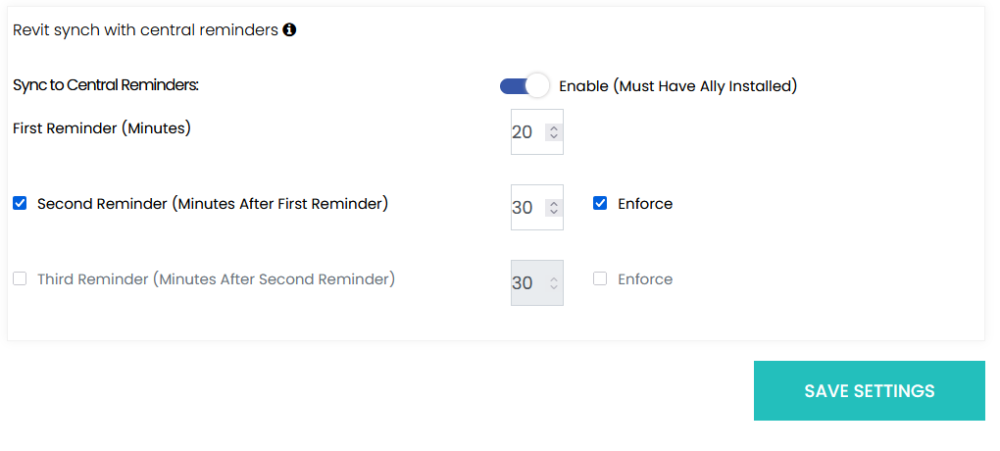
Click the slider to enable and configure it.
Once enabled, the reminder duration can be set for each reminder.
The number of reminders can be specified, up to three, before a user is forced to save. To enforce syncs on a reminder, check the “Enforce” box.
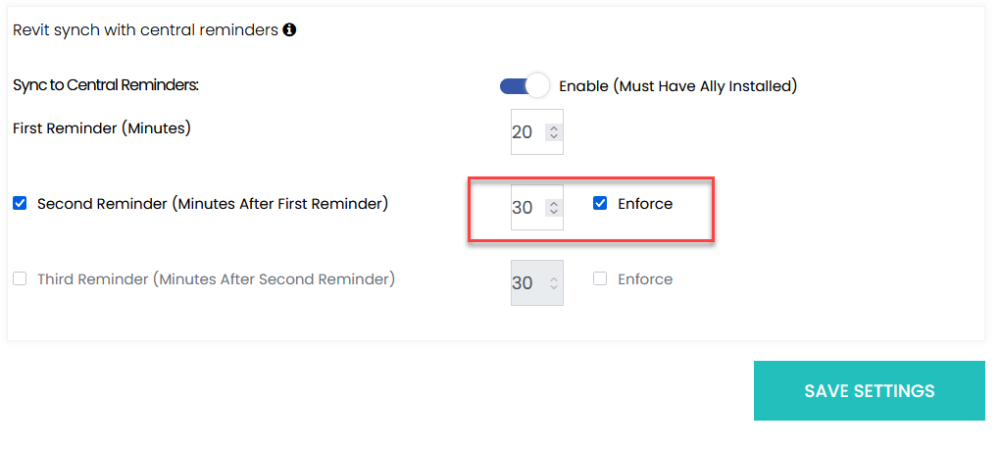
Sync to Central Reminders
When the specified time is up while users are working in a work-shared model, the message appears giving them the option (if configured) to sync to central or dismiss.
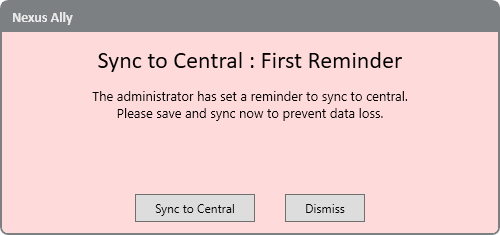
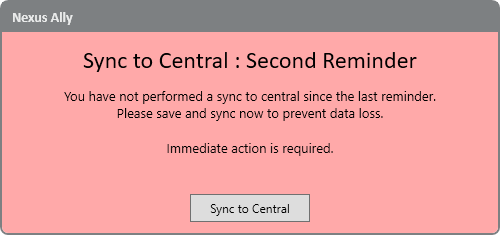
If the enforce option is checked, the user will only see the “Sync to Central” option and cannot dismiss the message until they do so.
About the Queue
The sync to central operation helps users by mitigating “traffic jams” commonly encountered while working on work-shared models. The queue manager listens for a sync request, checks for other users in the queue and adds the current user if more than one. The application then waits for an opening in the queue to alert the user that the model is once again available for saving.